Ecolyptus is a B2B energy intelligence platform helping organisations monitor, analyse, and report on energy usage across multiple sites and meters.
I worked as the primary product designer across the entire platform — designing most of the production UI from core analytics to complex admin systems — and collaborated closely with engineers to ship scalable, real-world features.
Rather than a single dashboard, Ecolyptus functions as six interconnected modules — each with its own design challenges and user flows.
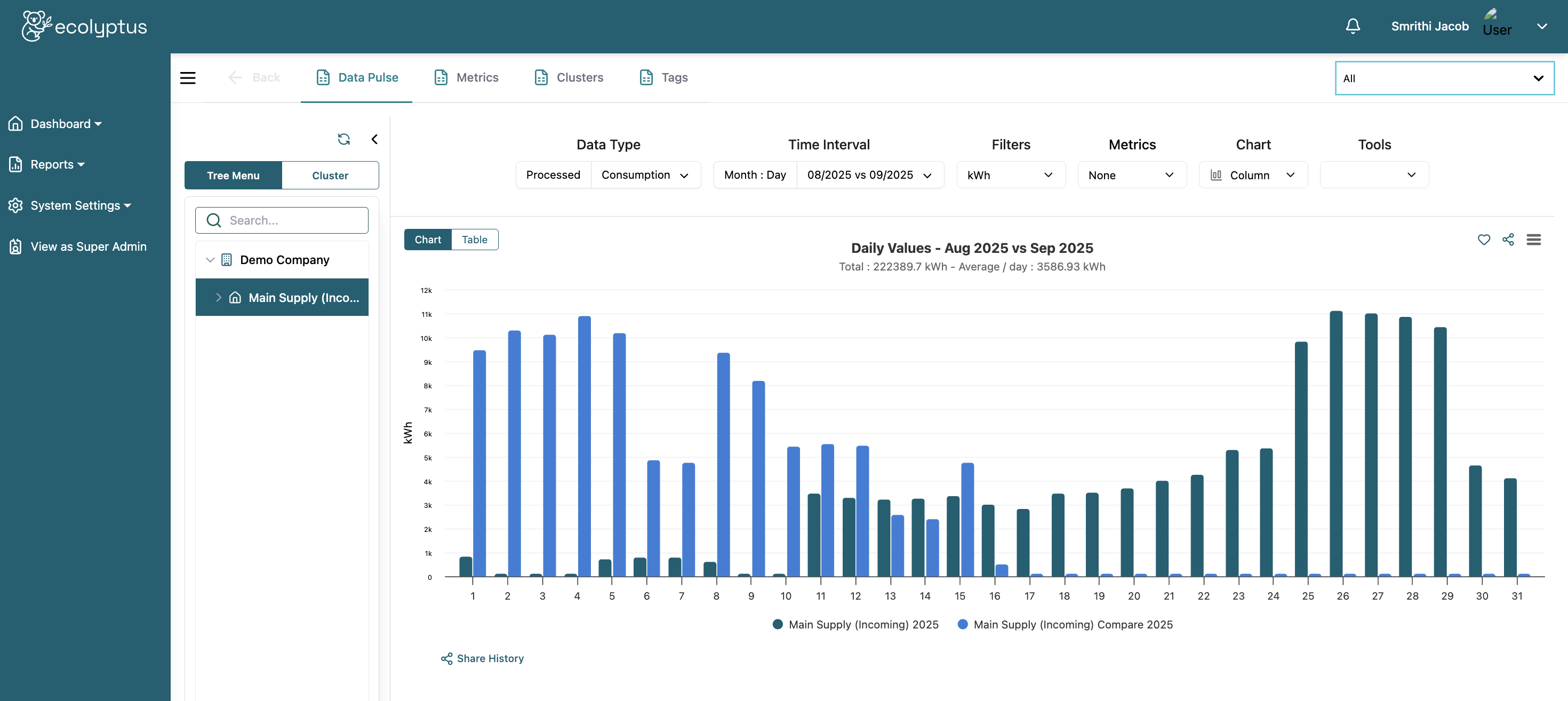
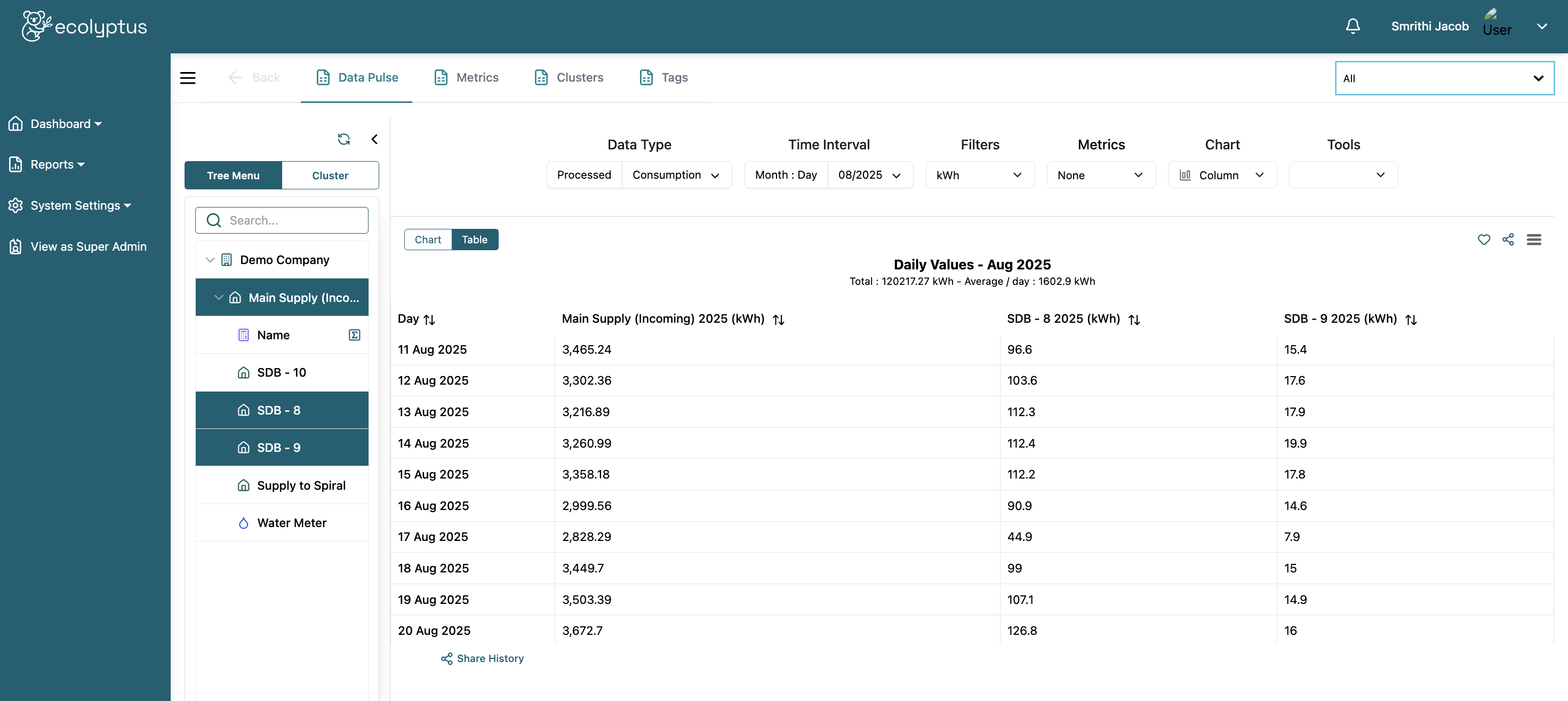
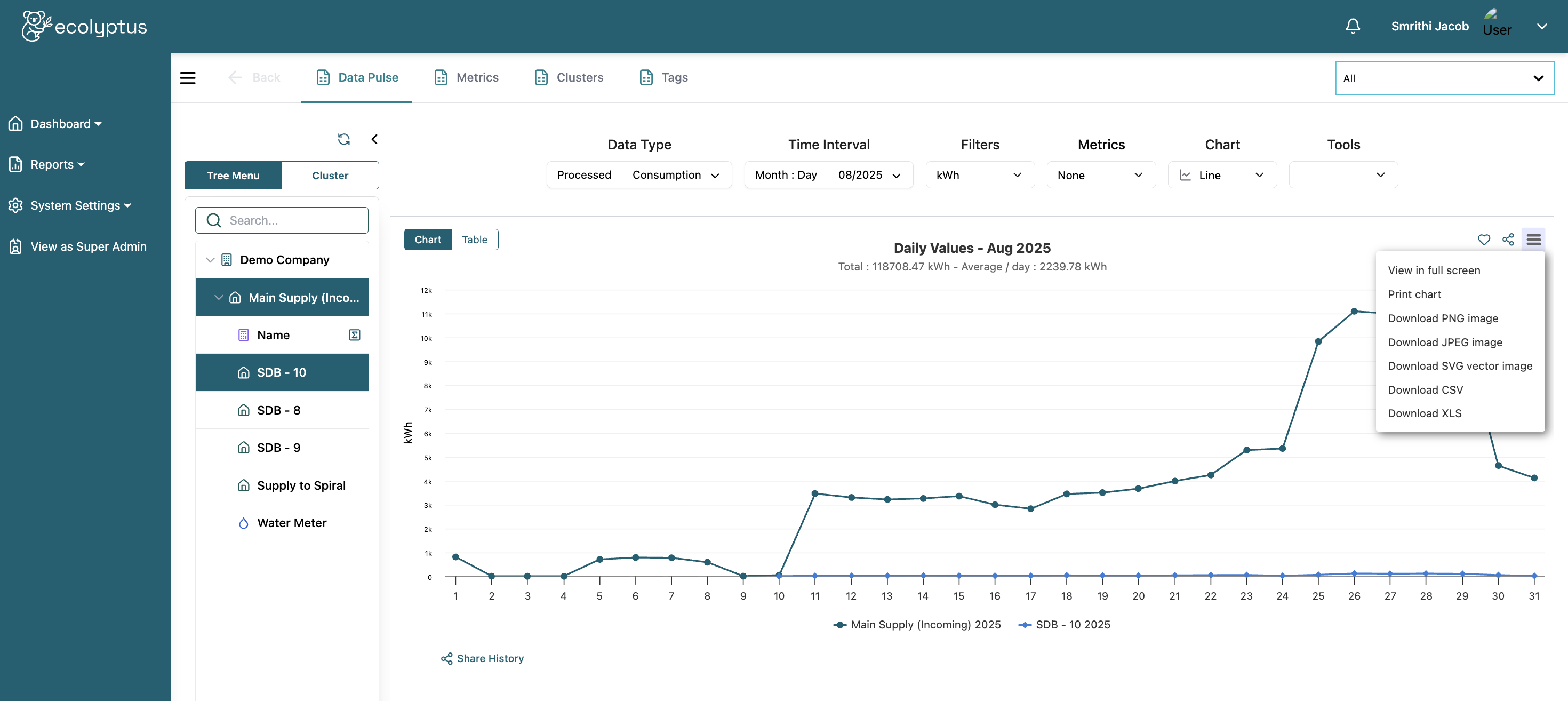
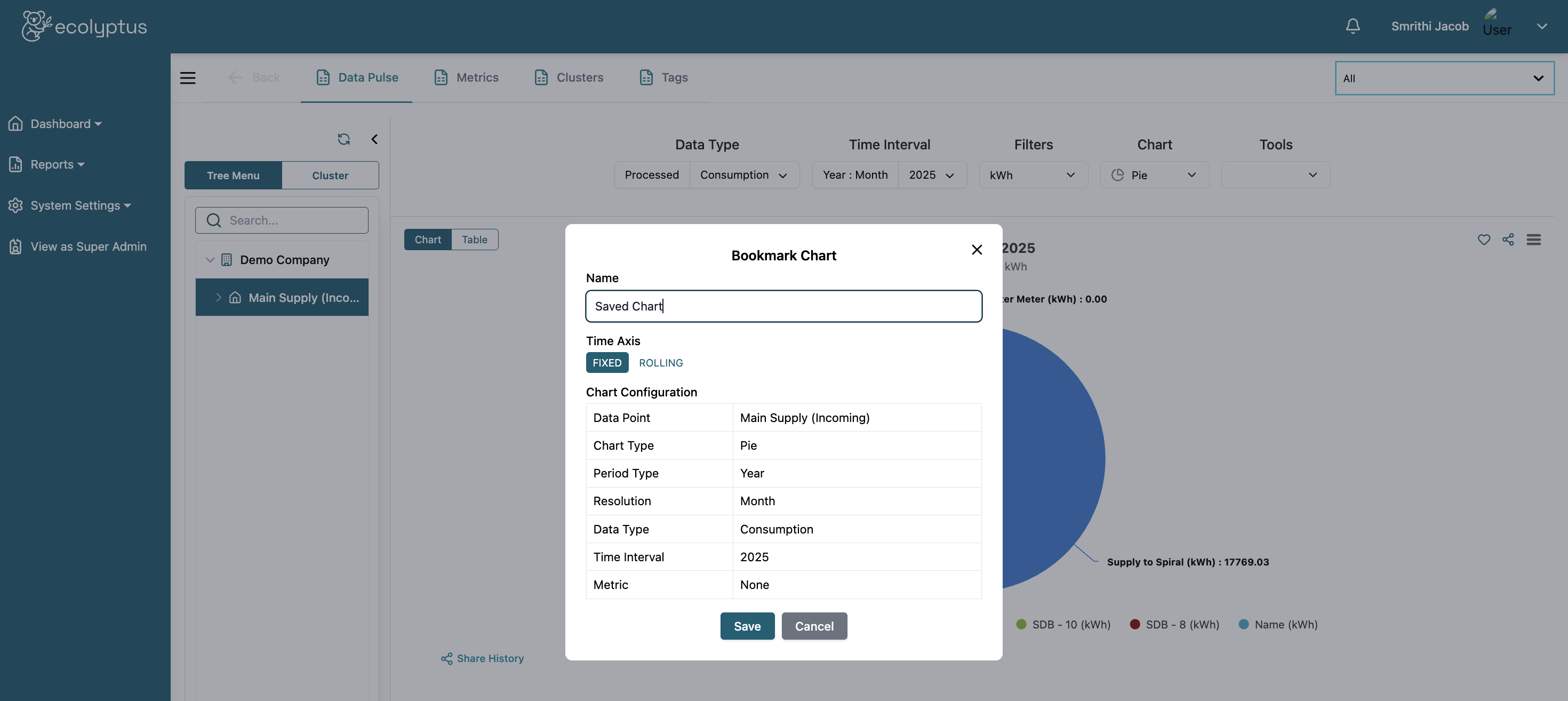
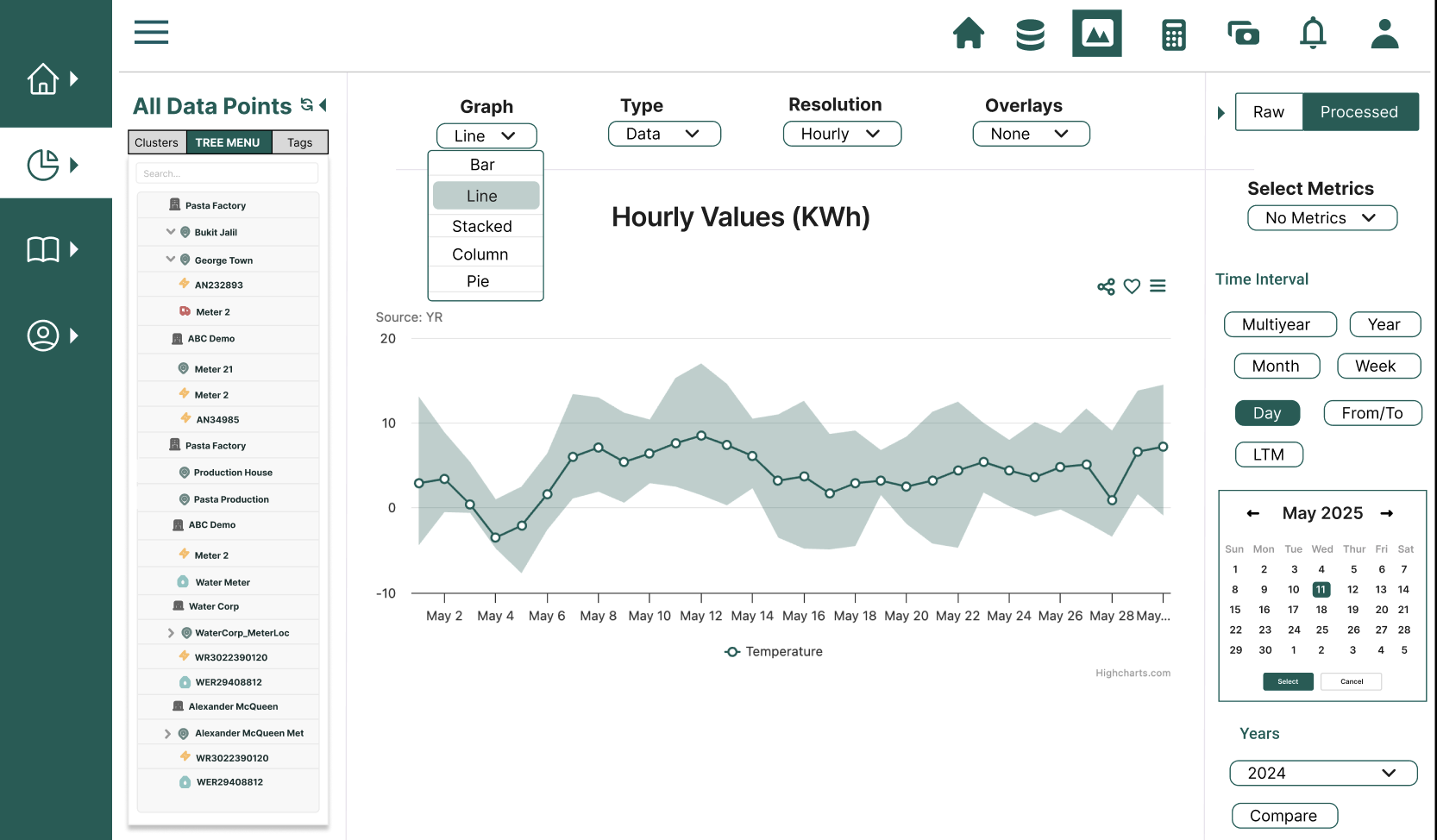
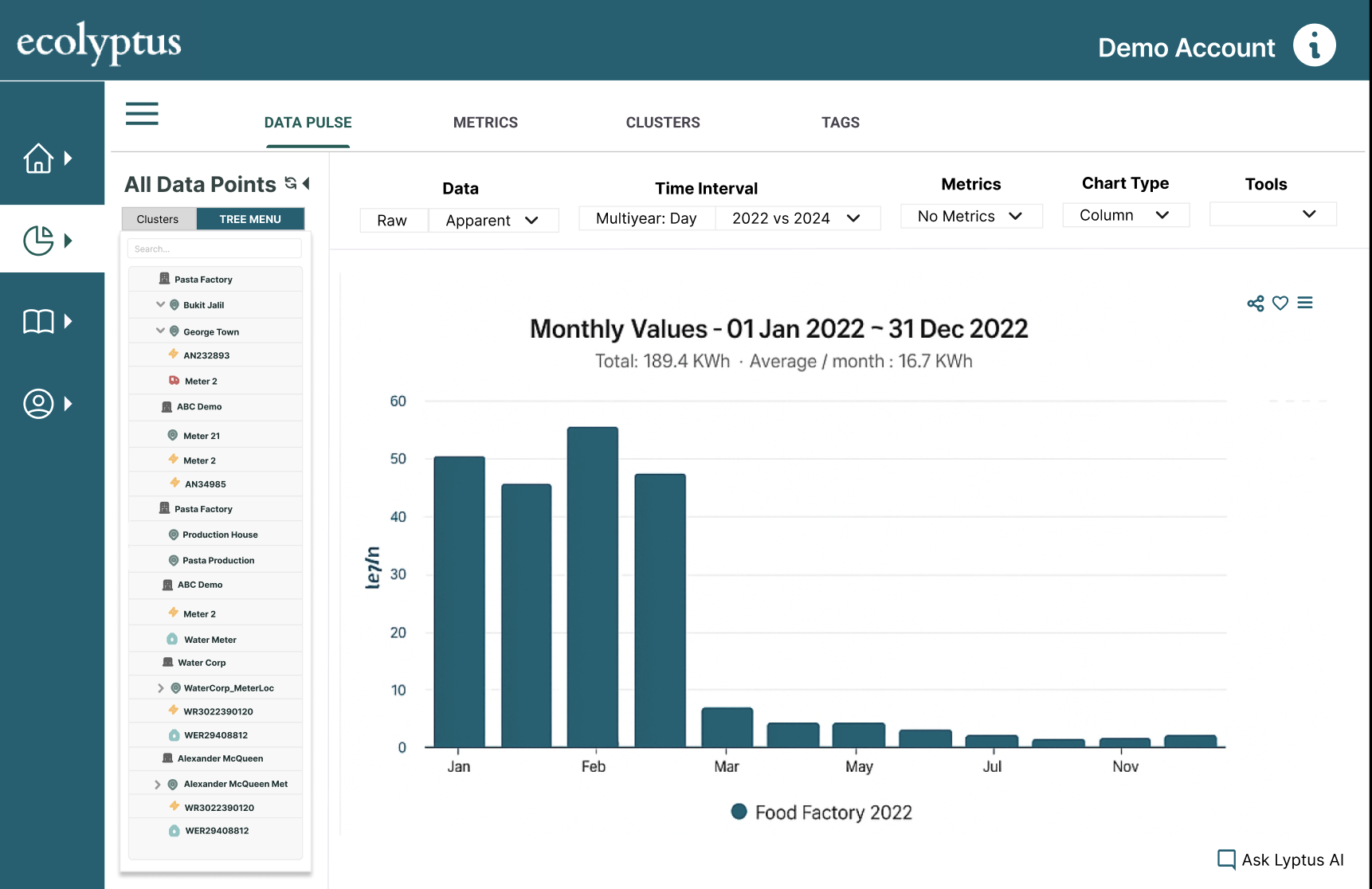
Data Pulse is the primary analytics interface of the platform. Users can explore energy consumption data across different time resolutions, metric types, and data sources — from half-hourly interval data down to individual sub-meters.
The core design challenge was giving users enough control to do powerful analysis without creating a tool that felt like it required training to operate.
Early designs focused on exposing raw data and charting flexibility. Through iteration I refined visual hierarchy to prioritise key insights, simplified controls, and ensured charts could be reused across modules without redesign.
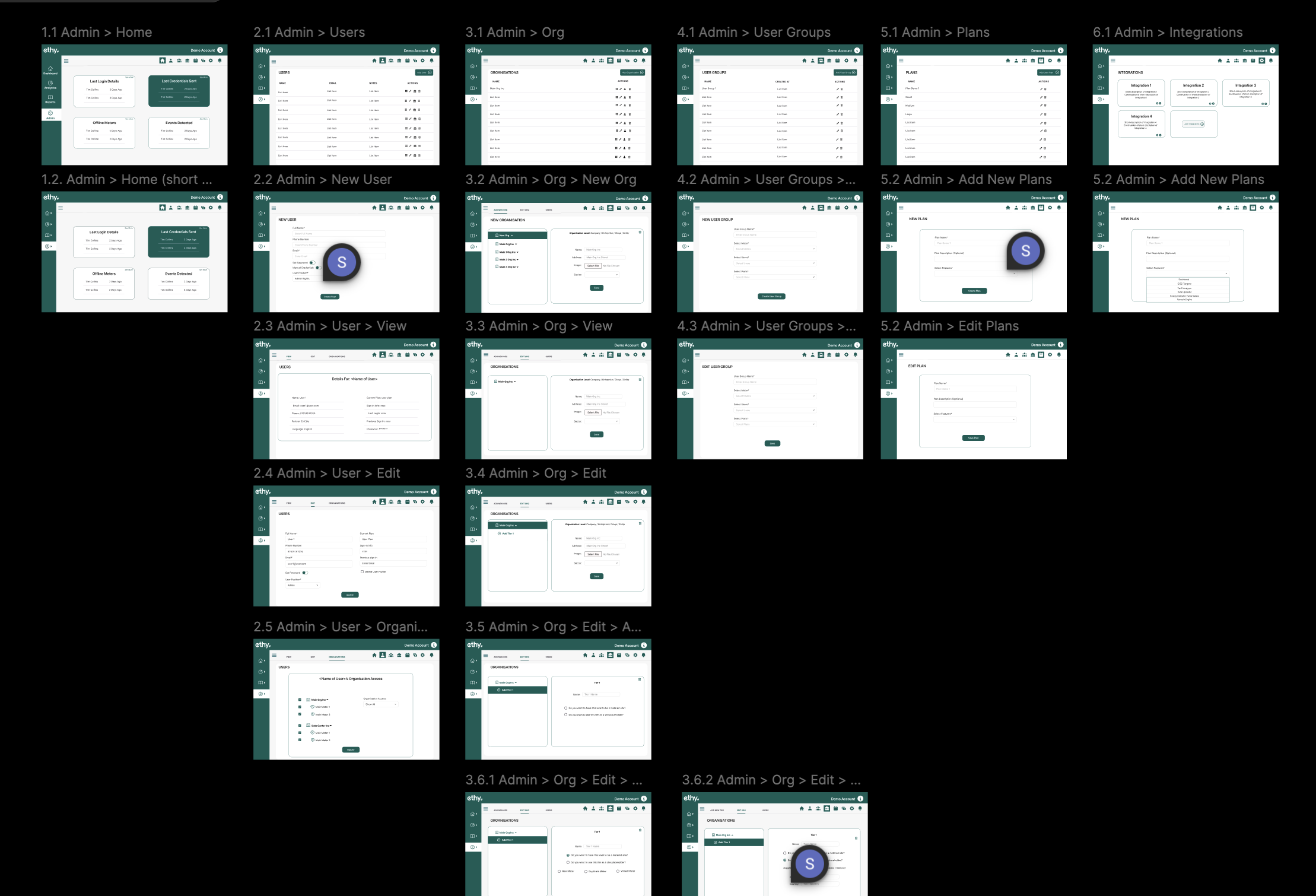
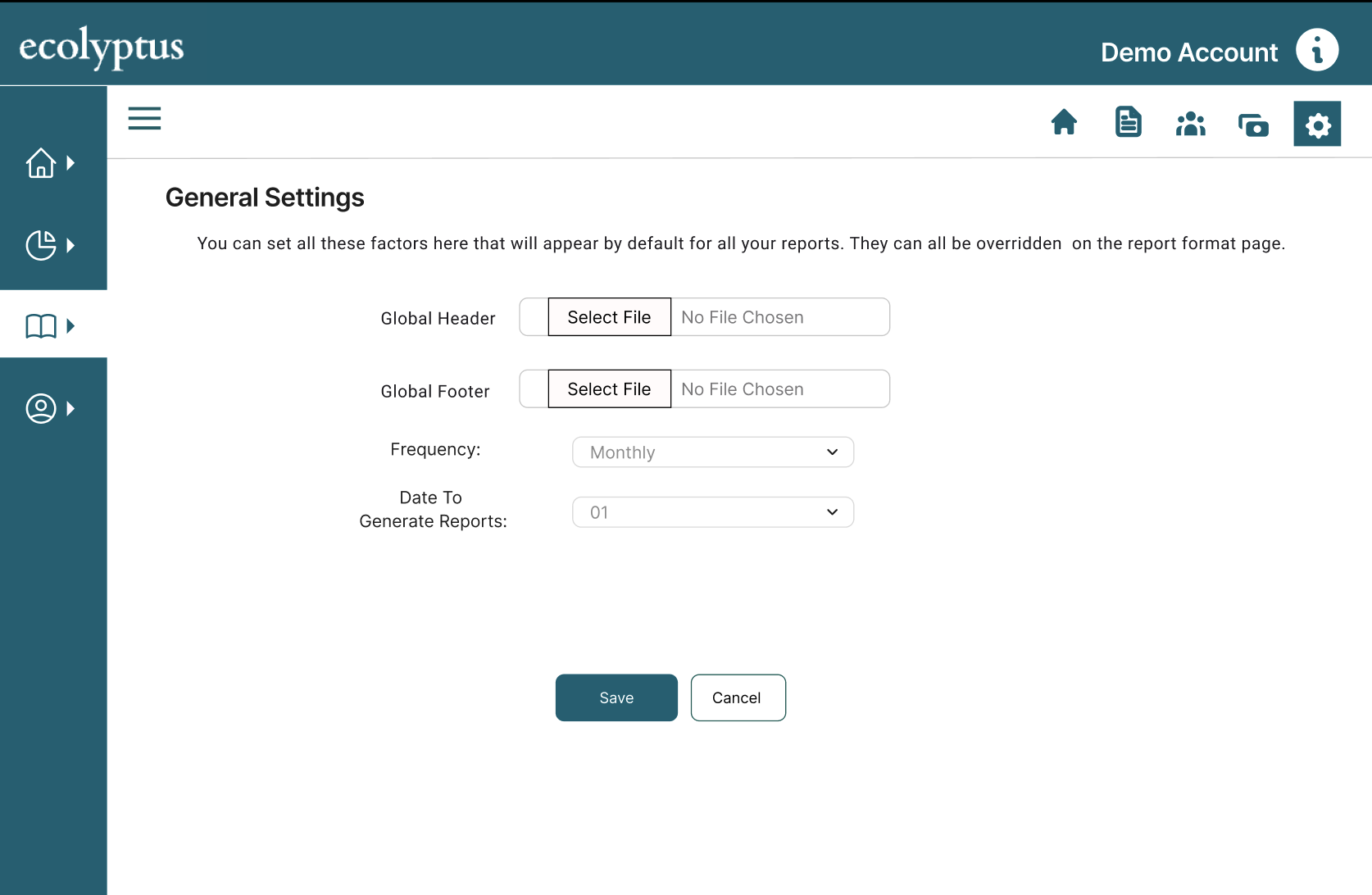
Ecolyptus supports multiple organisations, each with their own sites, users, user groups, roles, and subscription plans. I designed approximately 40 screens covering the full admin surface of the platform.
These flows are rarely the most visually expressive part of a product — but they are mission-critical. A poorly designed admin system creates support overhead, blocks onboarding, and limits how the platform scales commercially.
The Problem
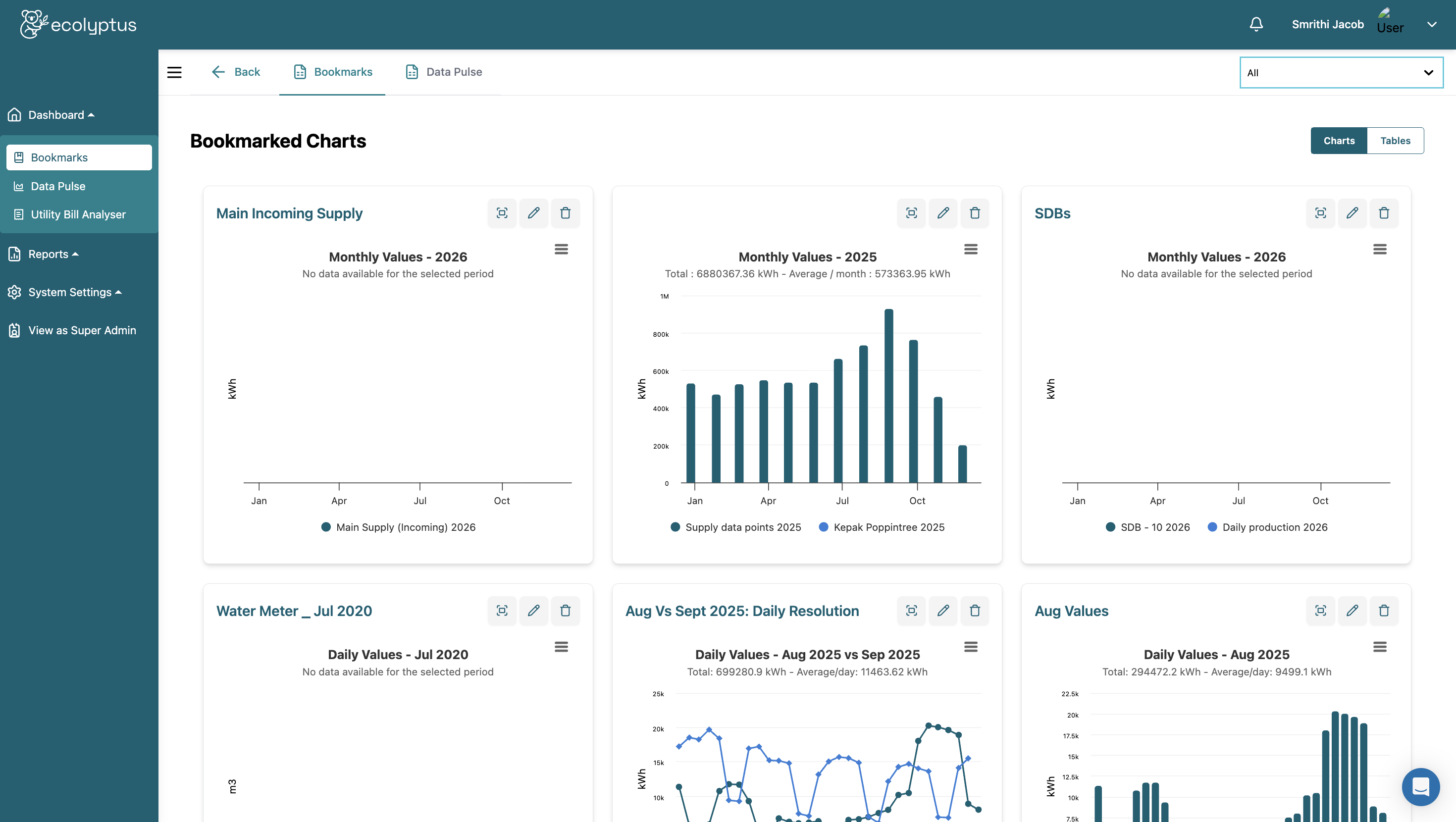
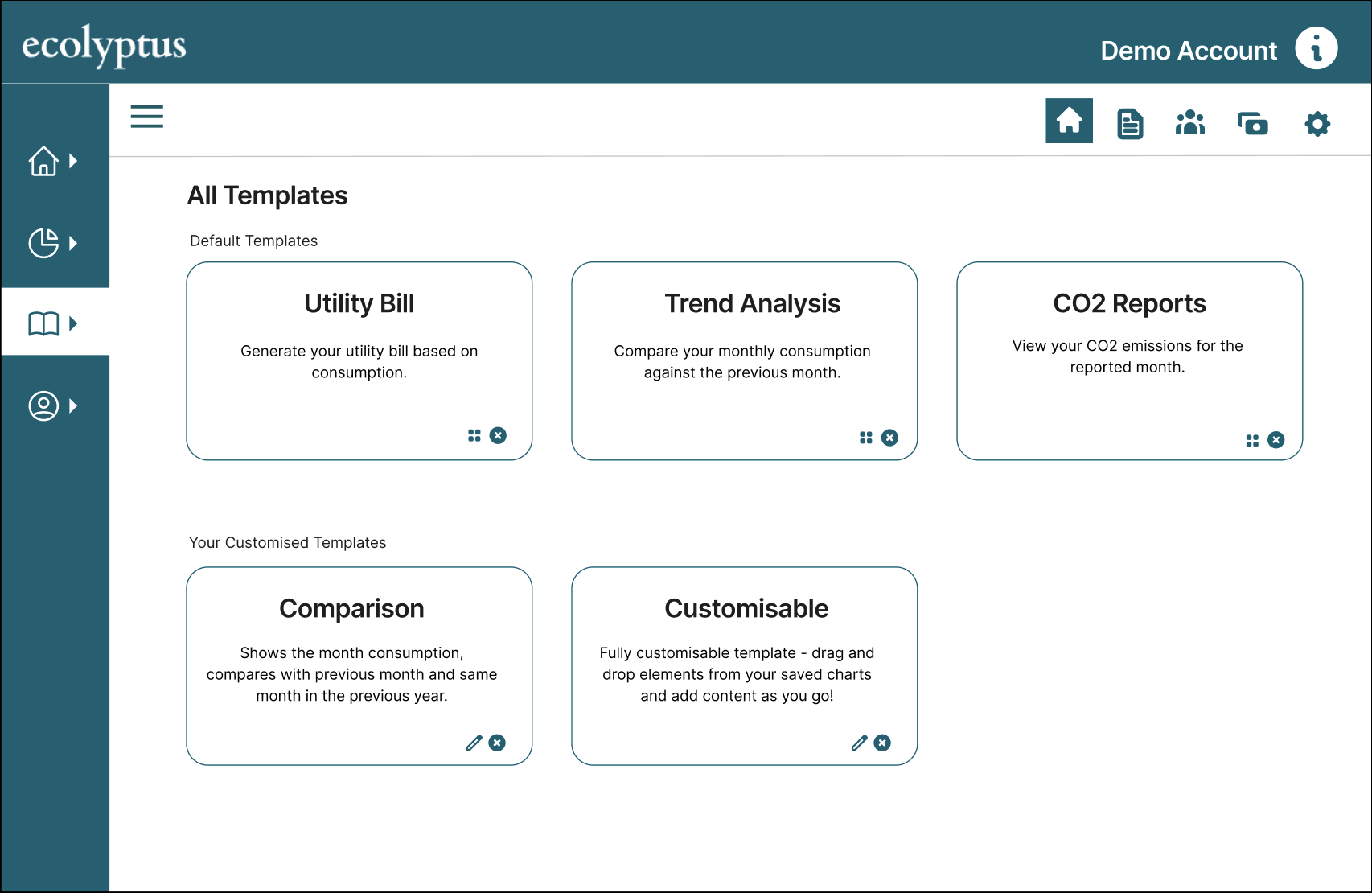
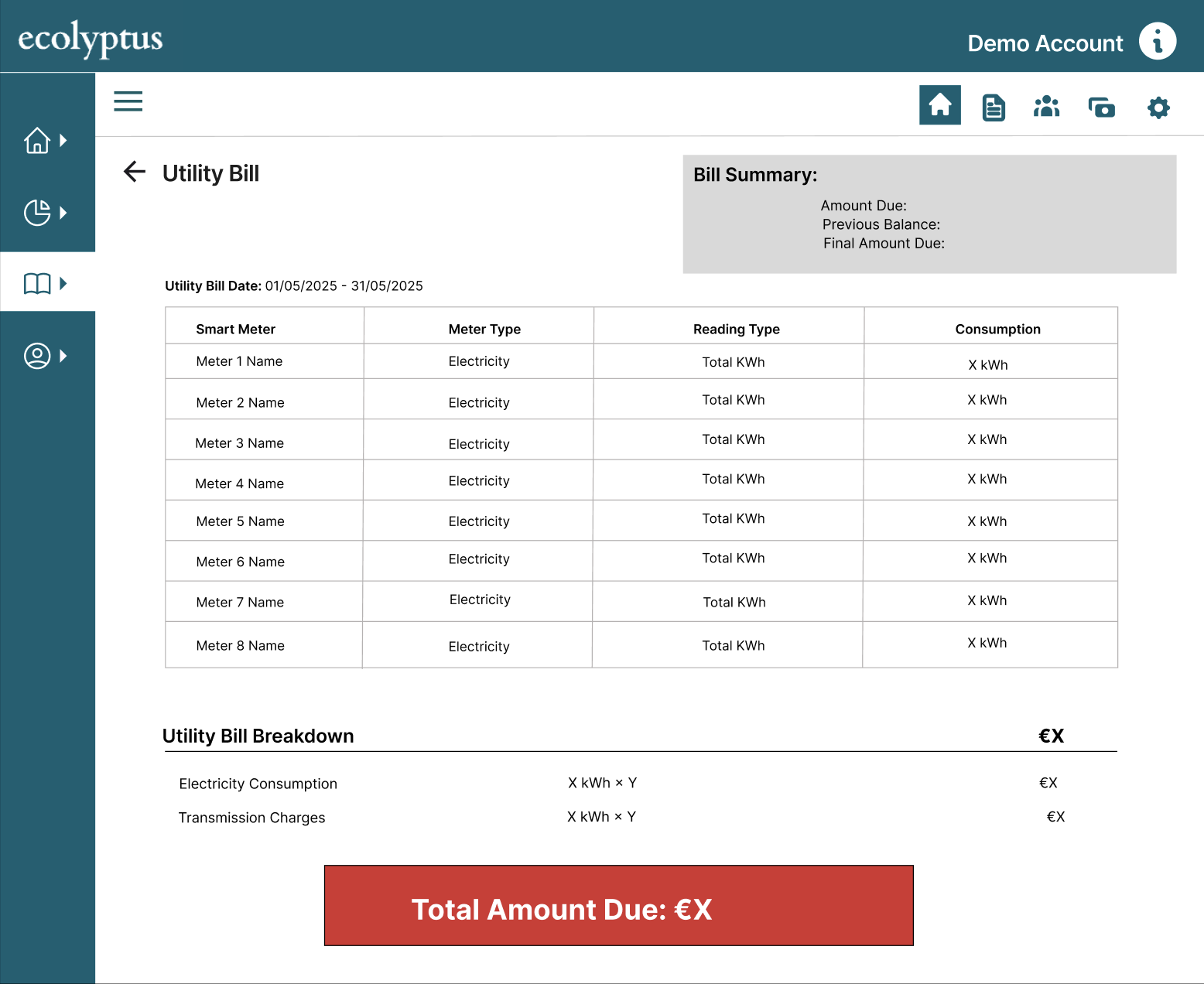
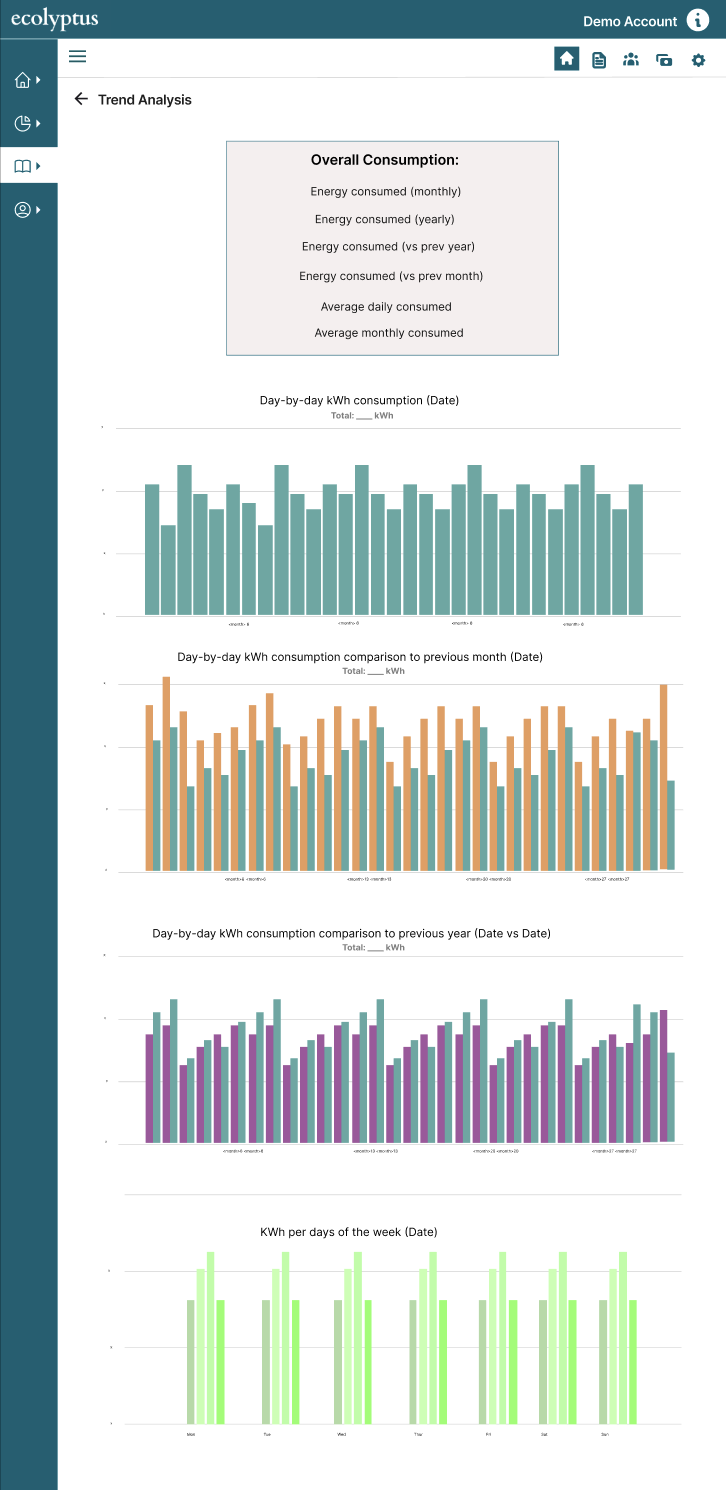
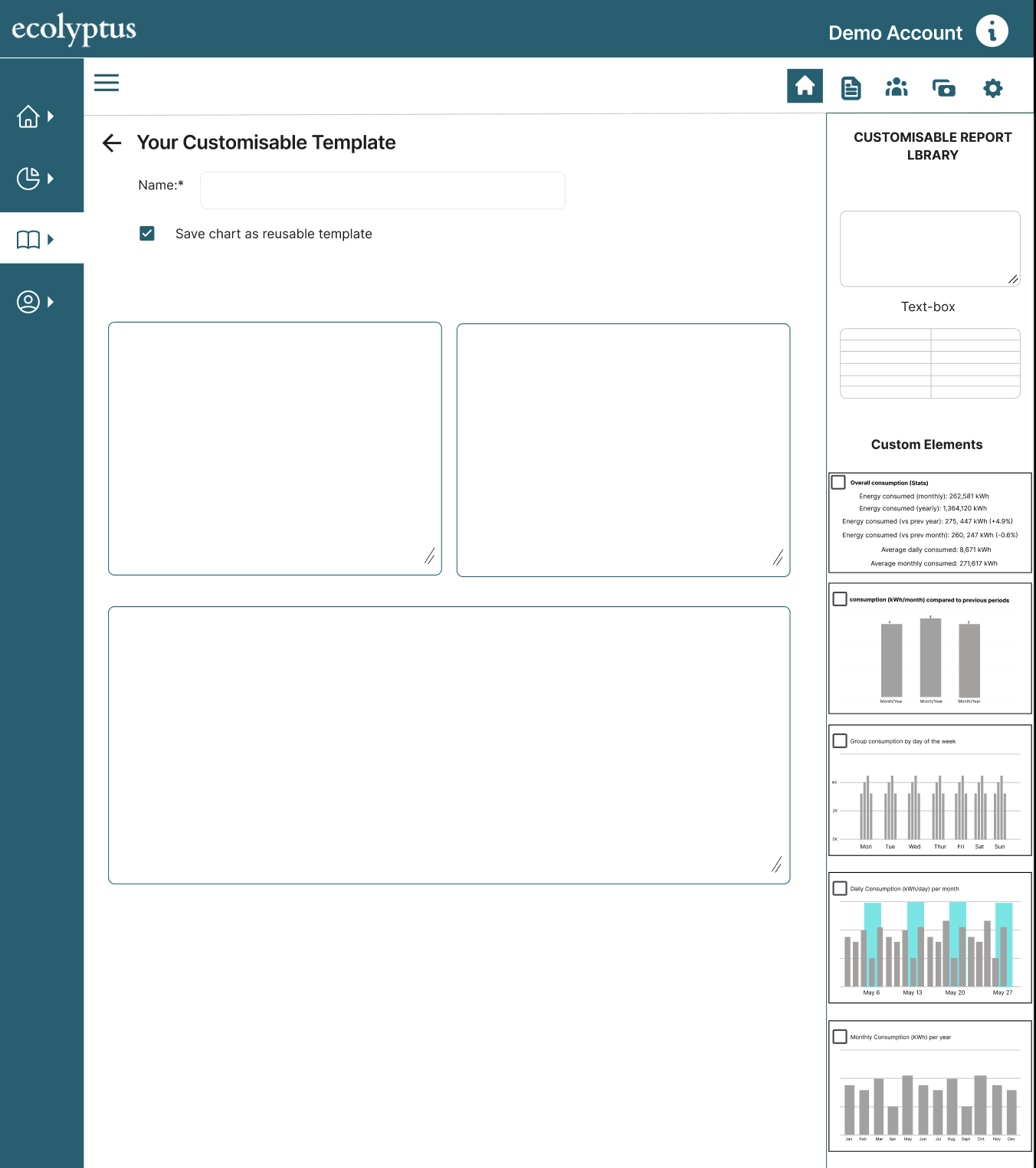
Most energy platforms rely on static or predefined report templates, limiting how teams present insights to stakeholders. Energy consultants especially need to tailor outputs to different clients — a format that works for a finance director won't work for a facilities manager.
The Solution
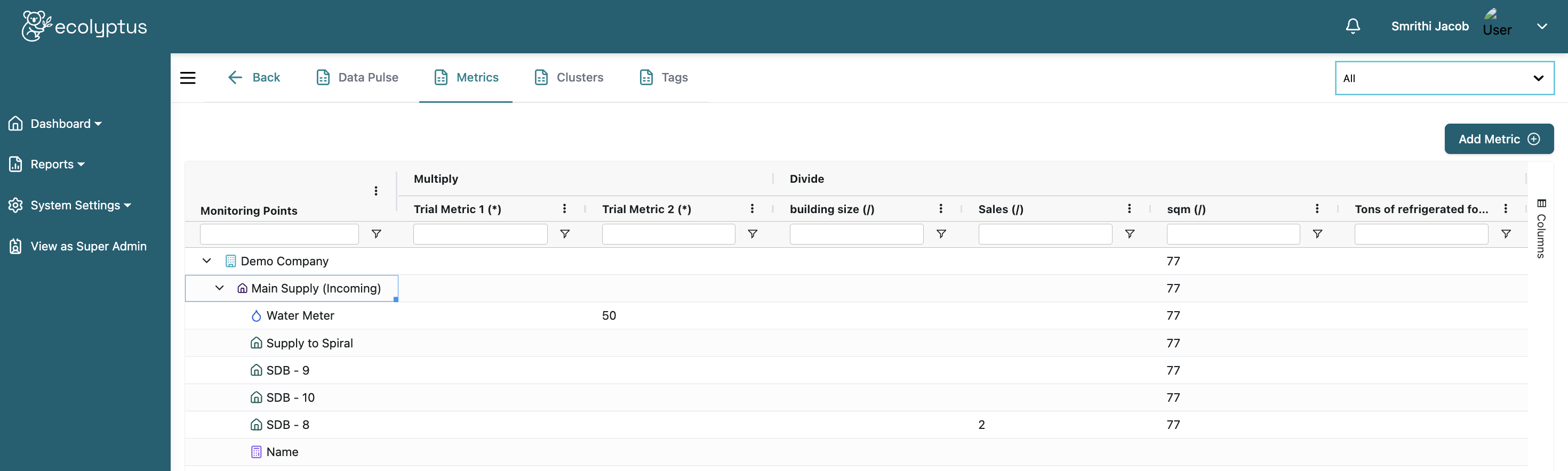
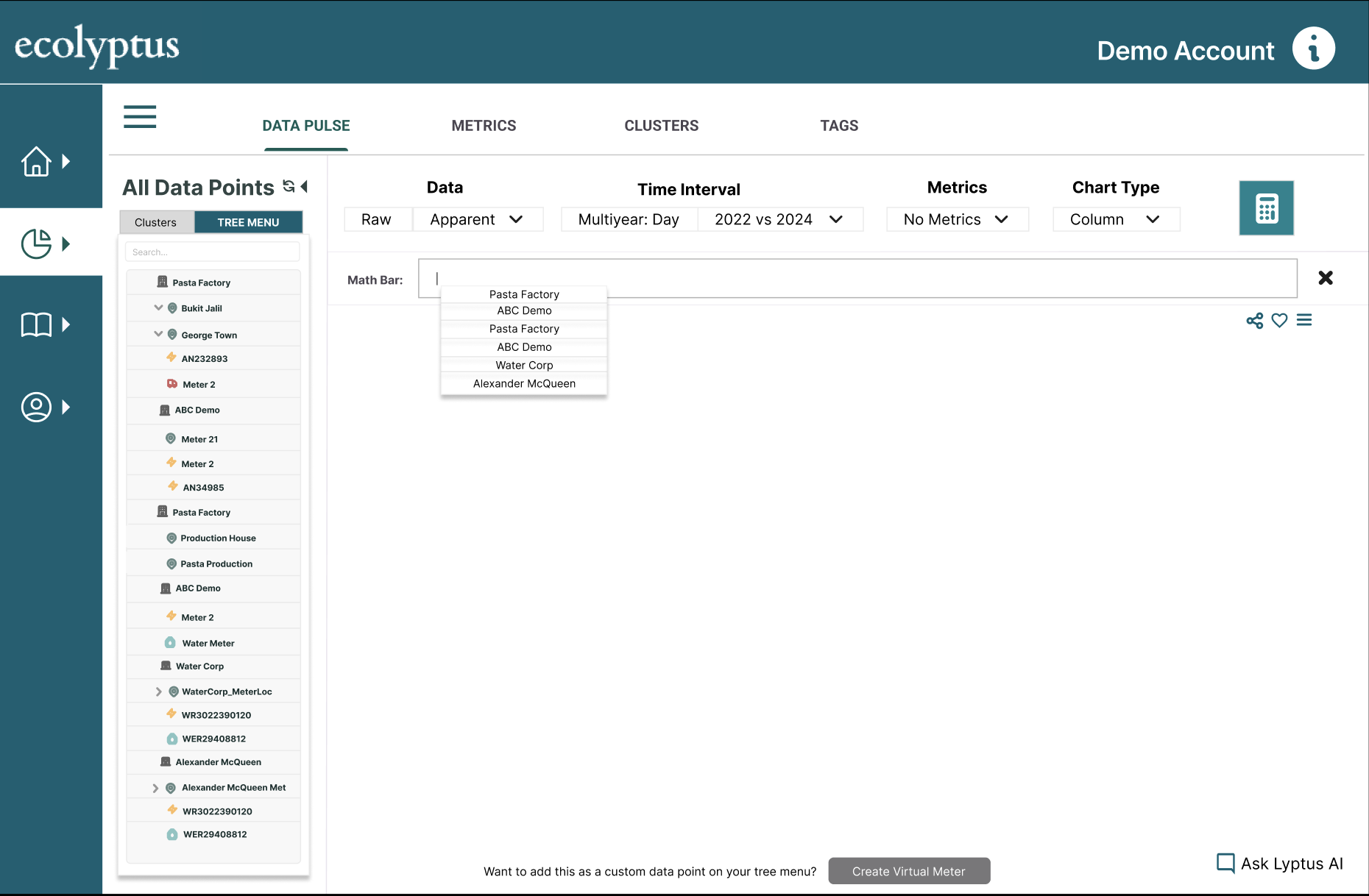
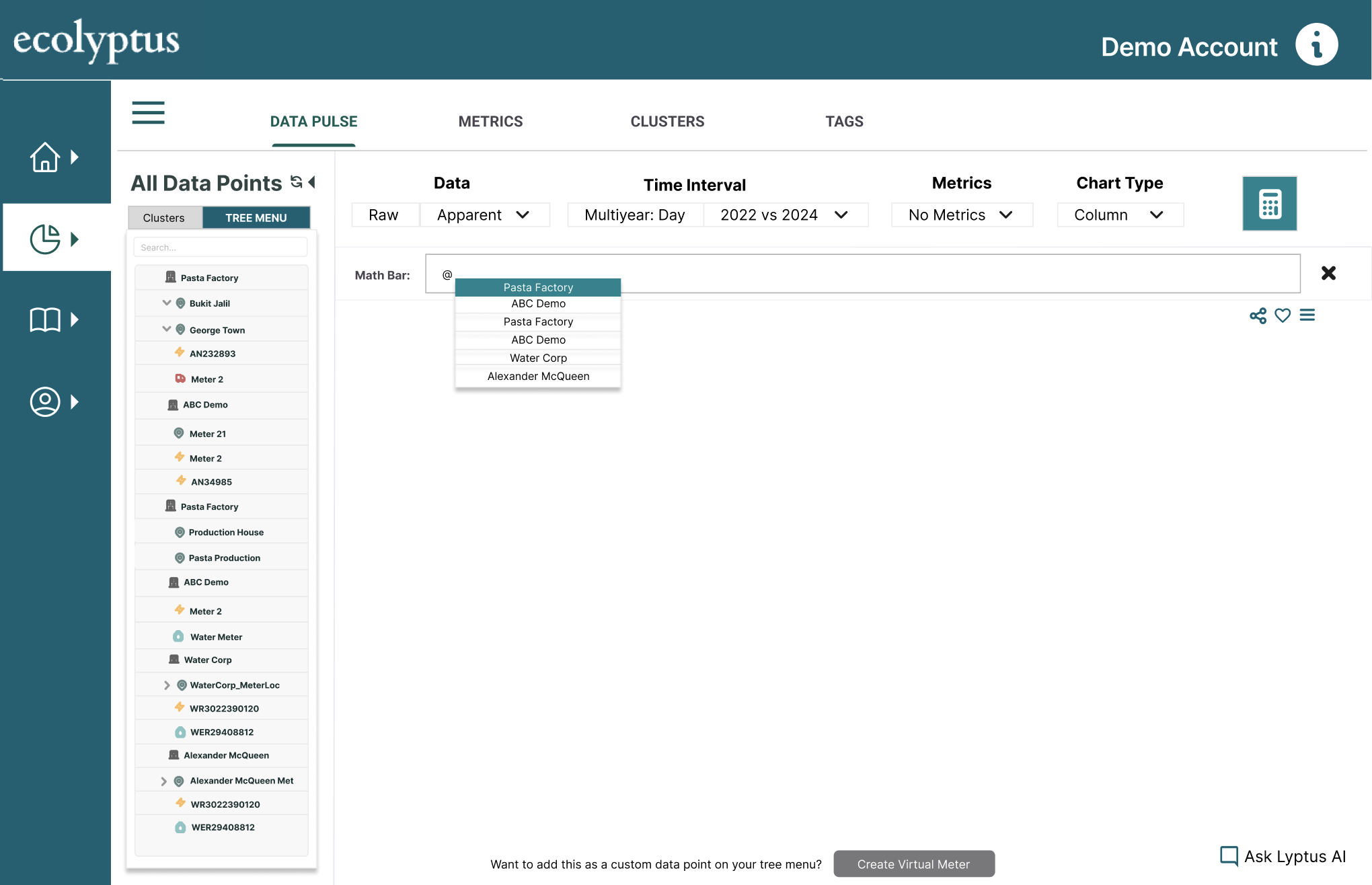
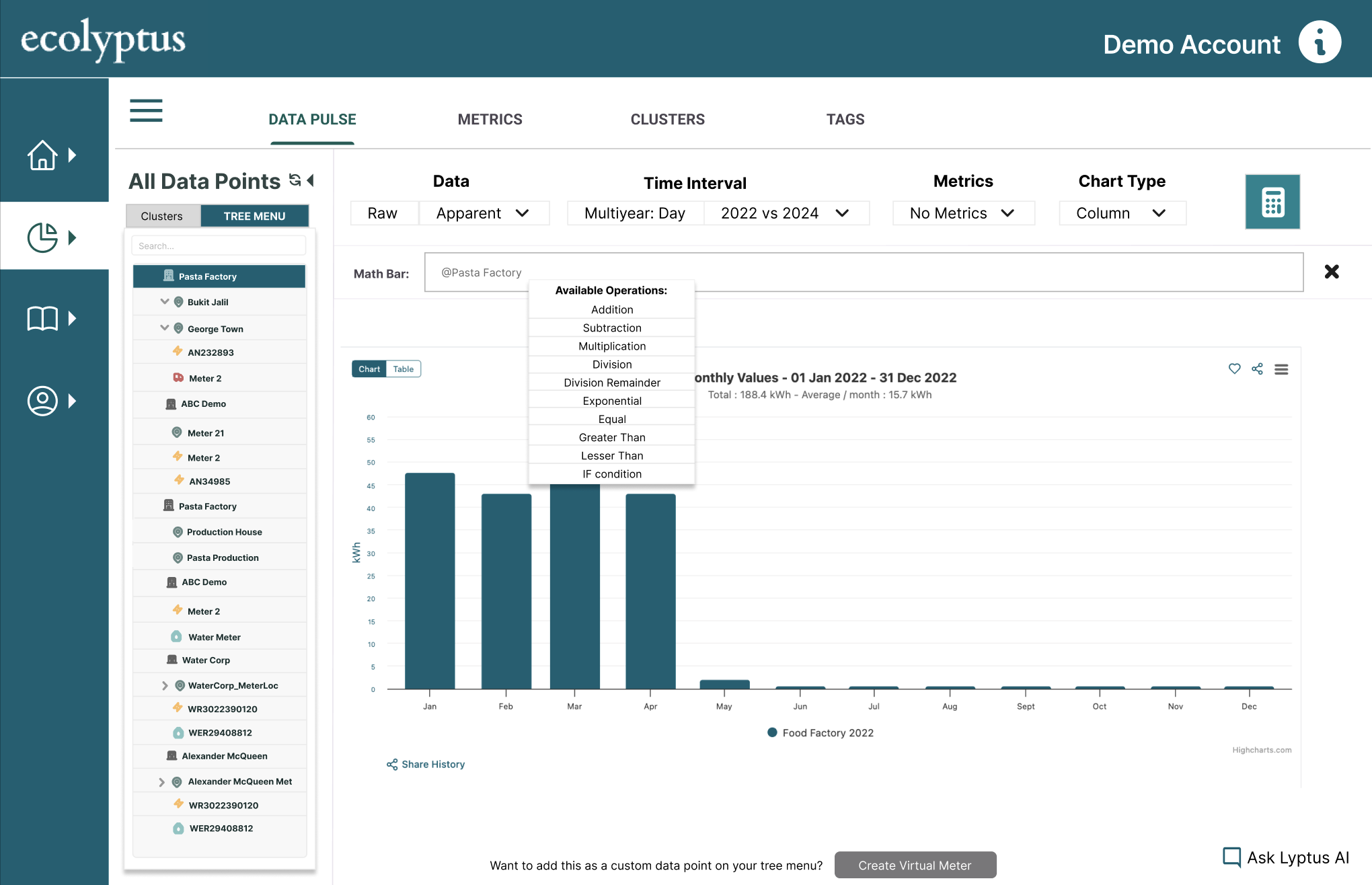
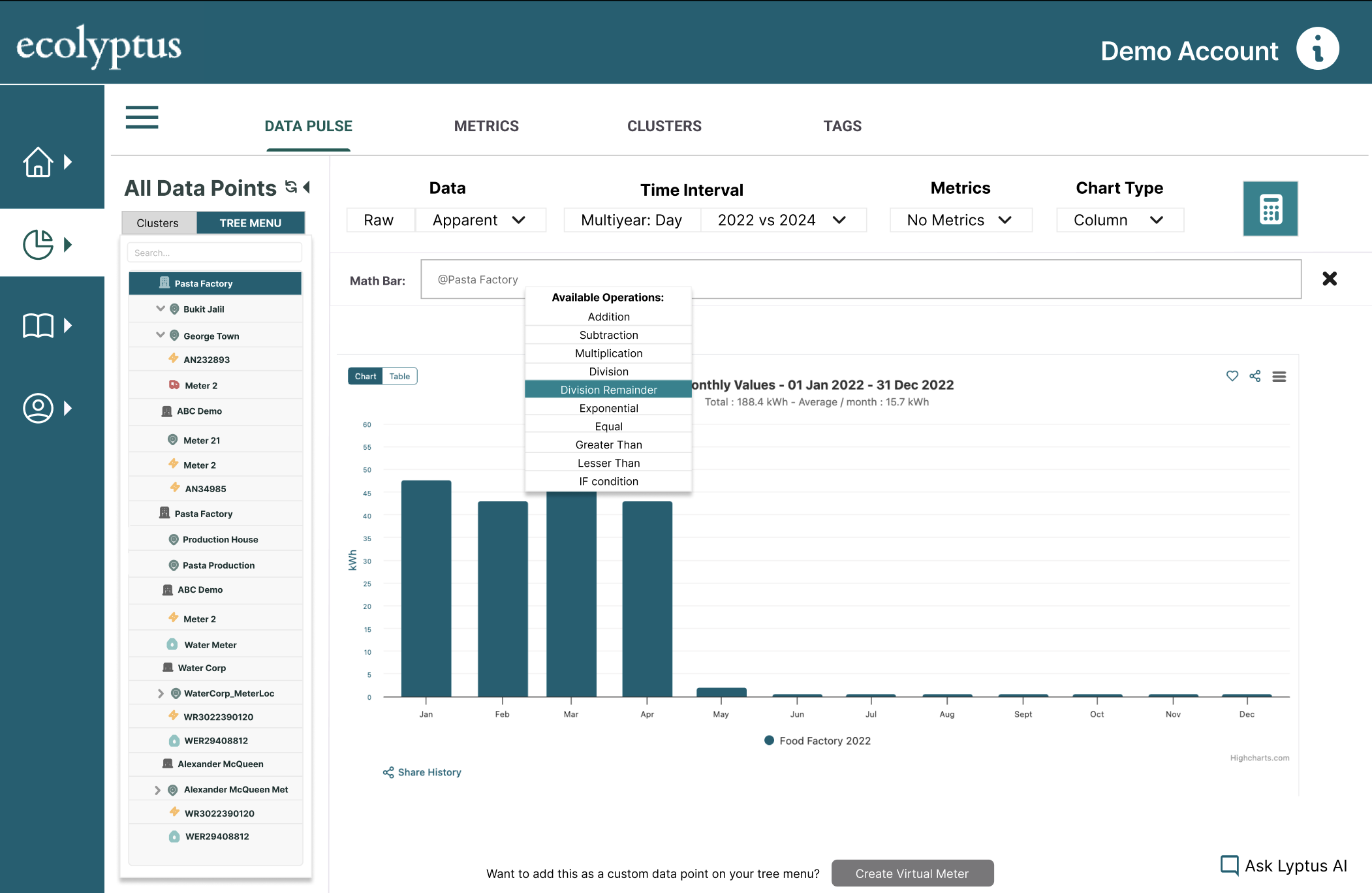
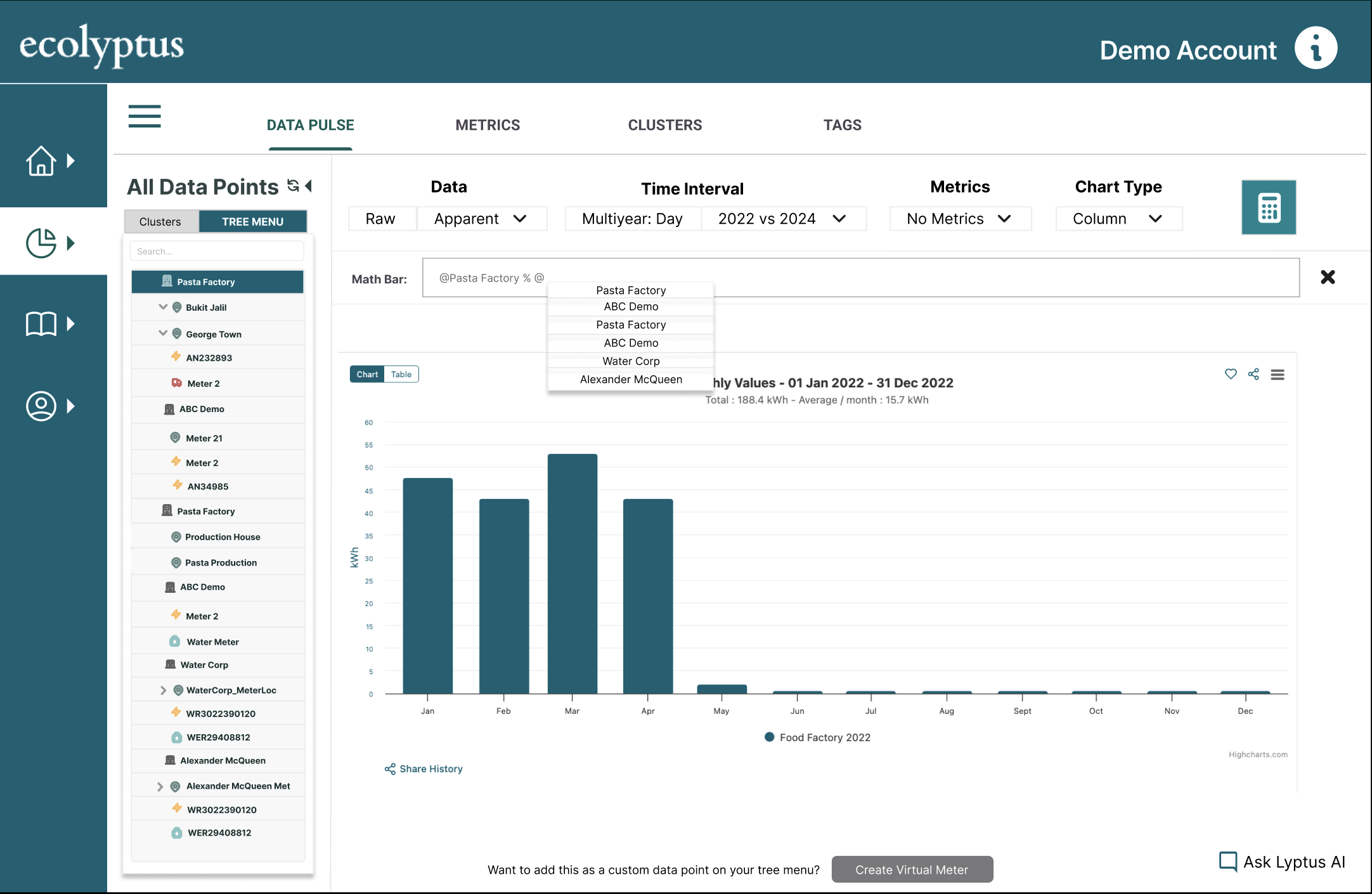
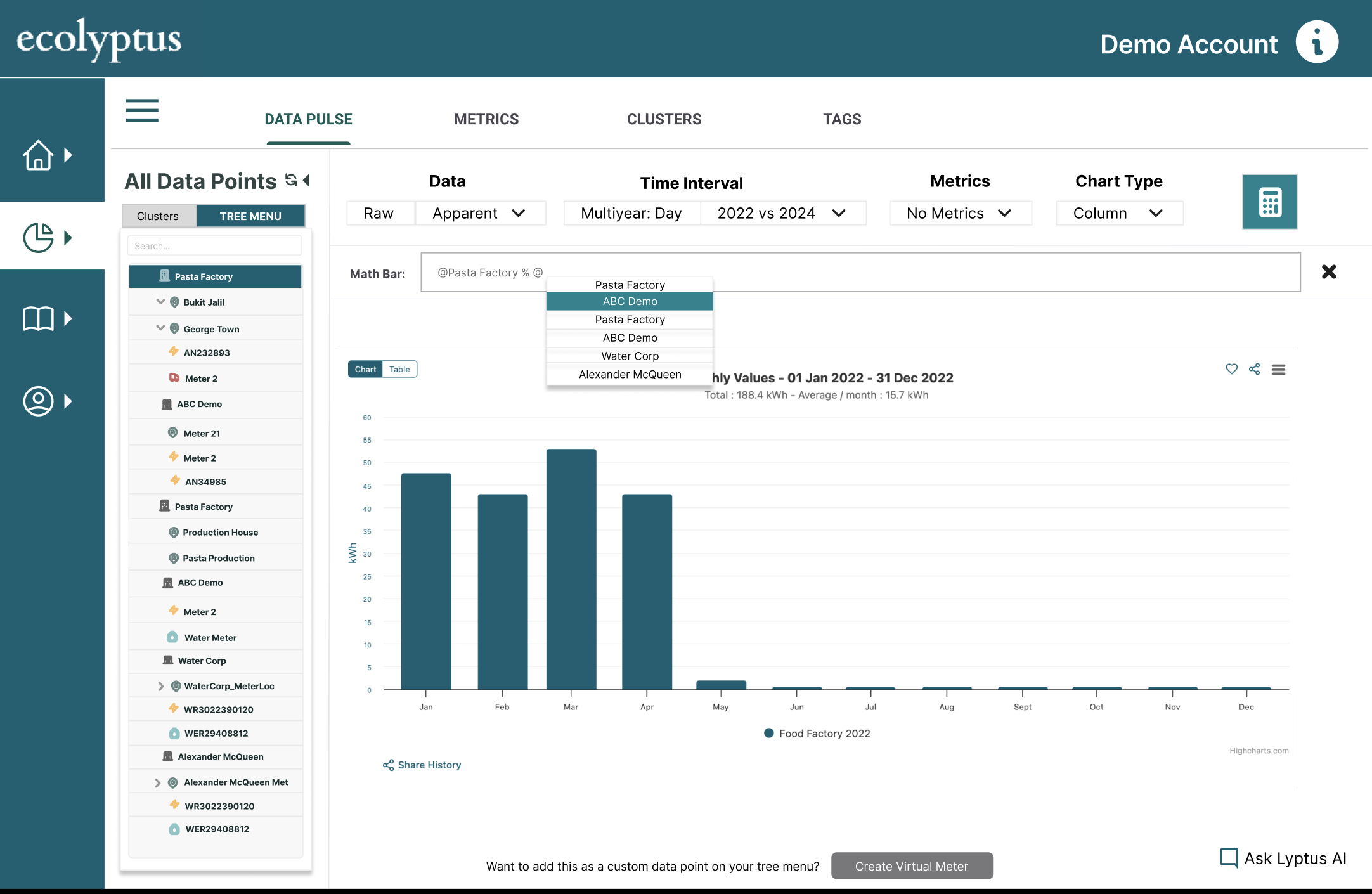
The Math Tool allows users to perform calculations on existing meters and save the result as a virtual meter — aggregating feeds, applying correction factors, or deriving metrics without external tools.
This was one of the most iteratively complex features to design. The interface needed to be powerful enough for technically literate energy managers, while remaining accessible to less technical users who just needed to sum two meters together.
The interface went through multiple iterations to balance flexibility with clarity — ensuring non-technical users could still create meaningful derived metrics without feeling lost.
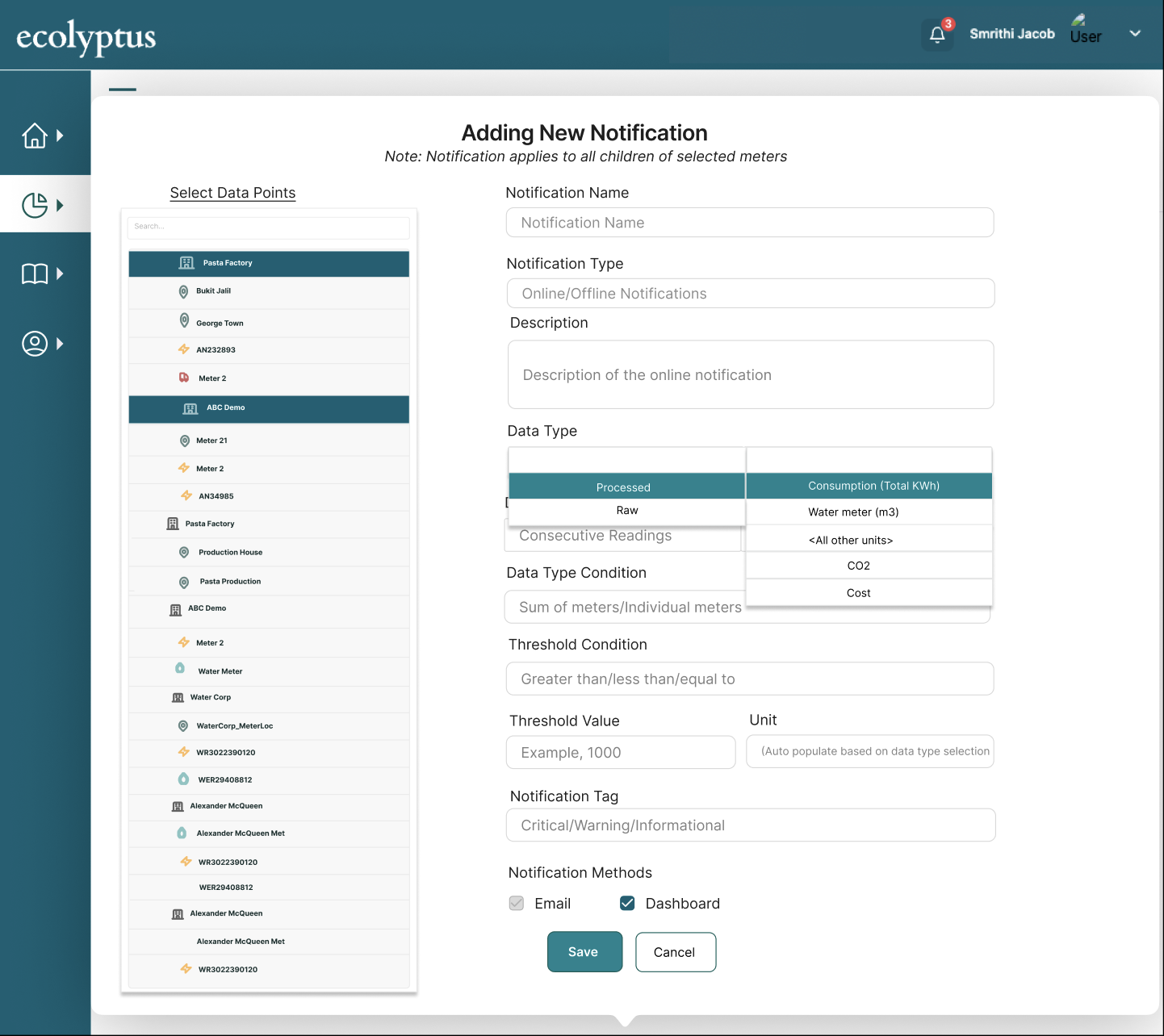
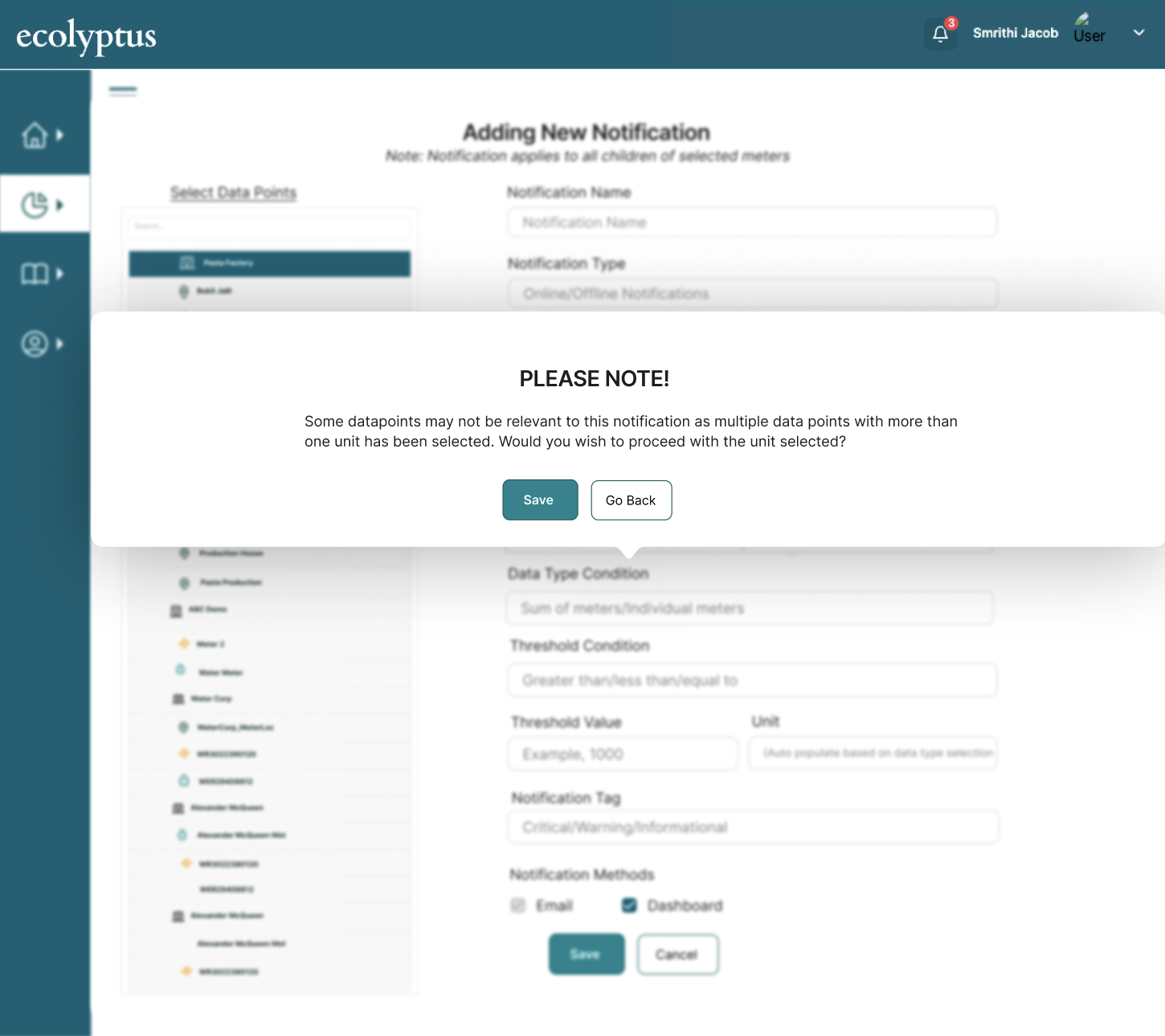
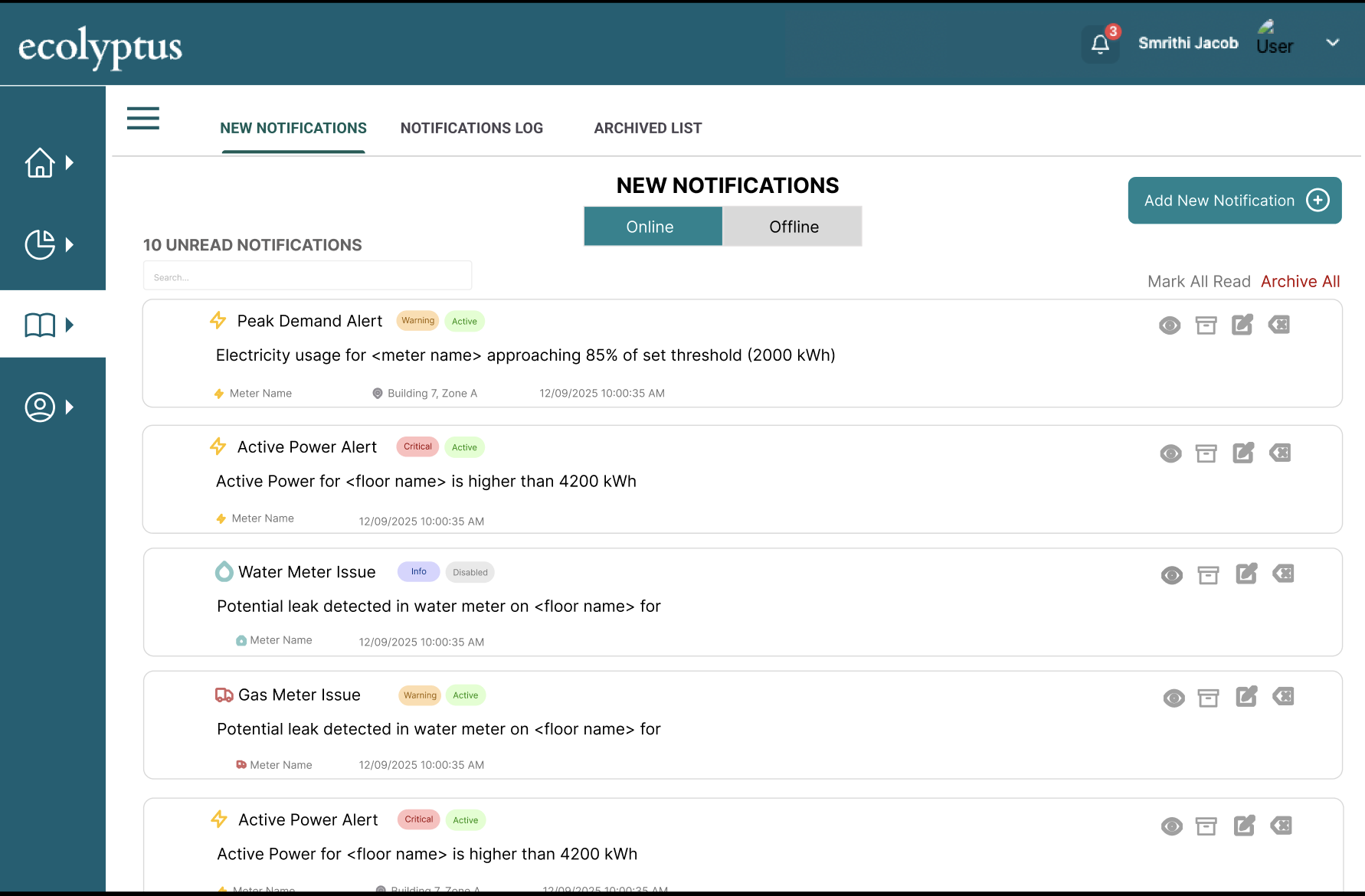
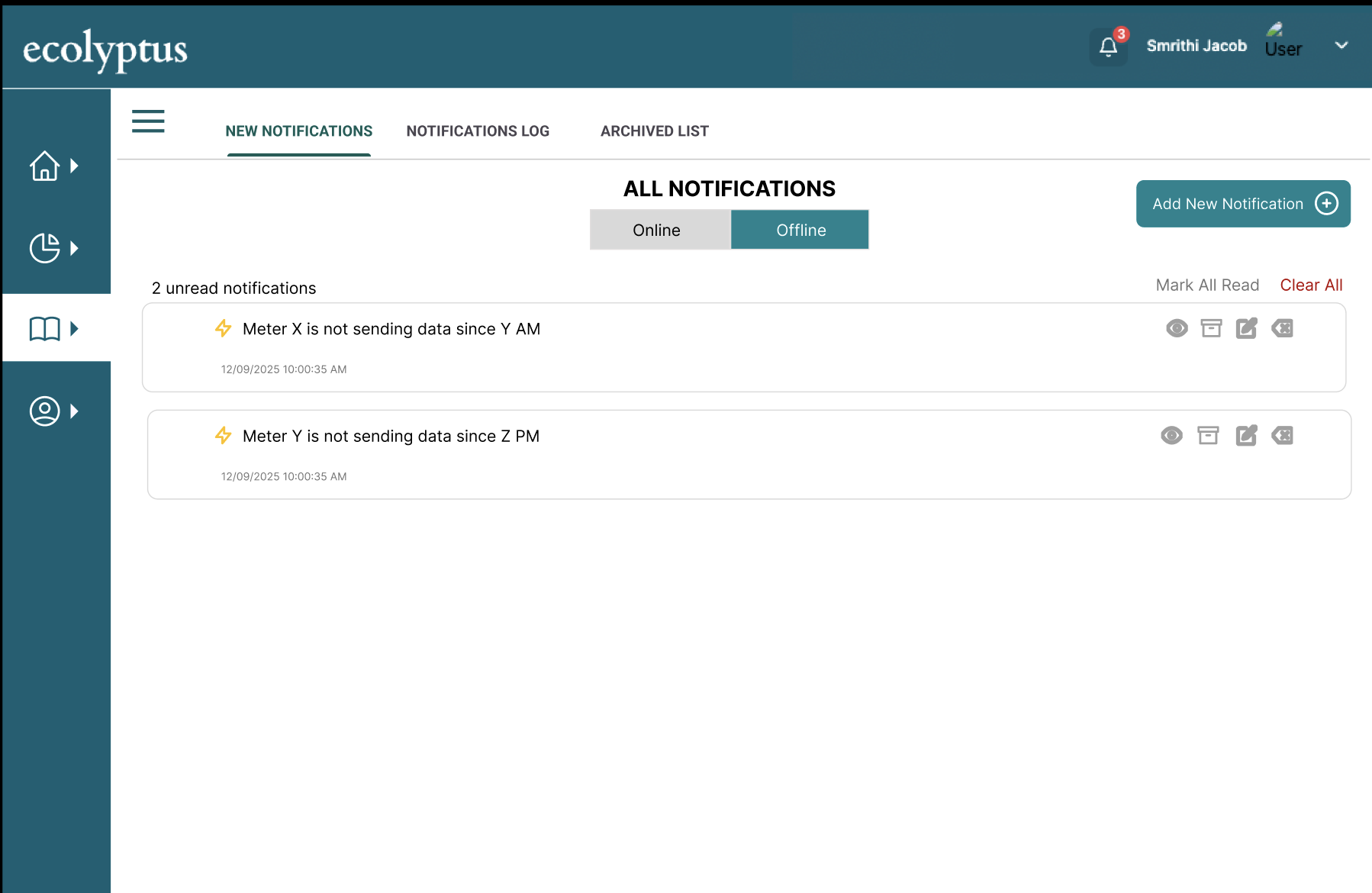
The notification system allows users to define threshold conditions on individual or aggregated meters, configure alert logic, and choose how they are notified when those conditions are met.
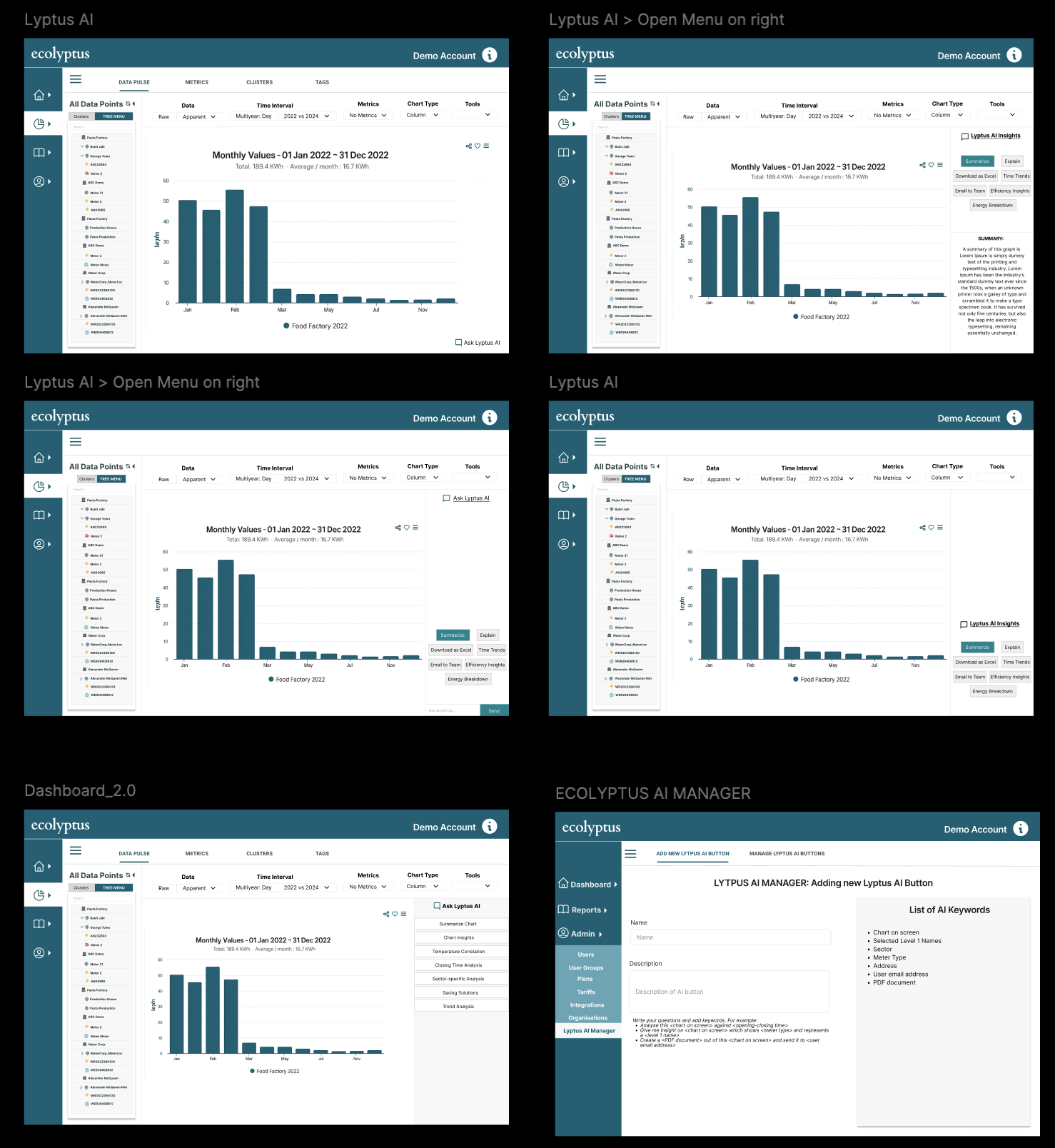
Lyptus AI is an upcoming feature designed to help users summarise and interpret energy data through natural language — moving the platform from reporting to active intelligence.
While not yet shipped, the designs were grounded in existing platform workflows. The design principle was clear: explainability over automation. Users should always understand why the AI is surfacing an insight, not just what it found.